Section-aware analysis
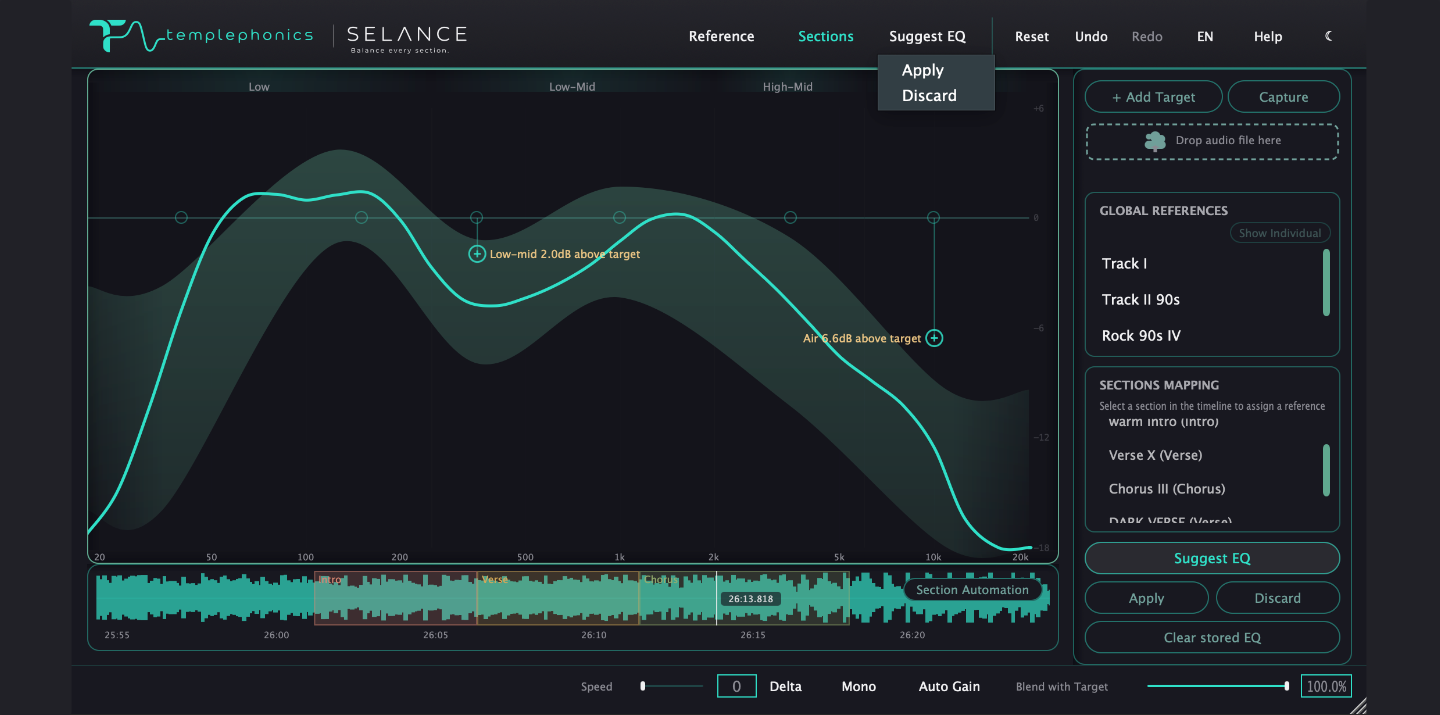
You define the sections — intro, verse, chorus or any custom name — and each one can carry its own target and tonal balance measurement, not just the whole track.



See how every part of your master compares to a reference — then shape it with precision.
Section-aware tonal balance · Reference matching · 6-band EQ
macOS at launch · Windows coming soon · VST3 · AU · AAX · Native Apple Silicon
Features
Analysis, references, EQ and sections — designed to work together.
You define the sections — intro, verse, chorus or any custom name — and each one can carry its own target and tonal balance measurement, not just the whole track.
Shape the master without leaving the analysis. Bell, shelf, filters, notch, dynamic EQ and per-band Mid/Side.
Compare your master against genre targets or your own tracks — then build references for specific sections.
Solo bands, monitor Delta, check mono compatibility and compensate perceived loudness with Auto Gain — so you judge the EQ, not the level.
Workflow
Choose a genre target, load your own tracks, or capture a reference from your DAW.
See your master against the target in relative dB, without level skewing the picture.
Use Suggest EQ as a starting point, preview the proposed moves, then decide what stays.
Give each part of the song its own reference and EQ state. SELANCE follows the arrangement as it plays.
Use Delta, Solo, Mono and Auto Gain to make sure the changes actually improve the master.
Inside the plugin
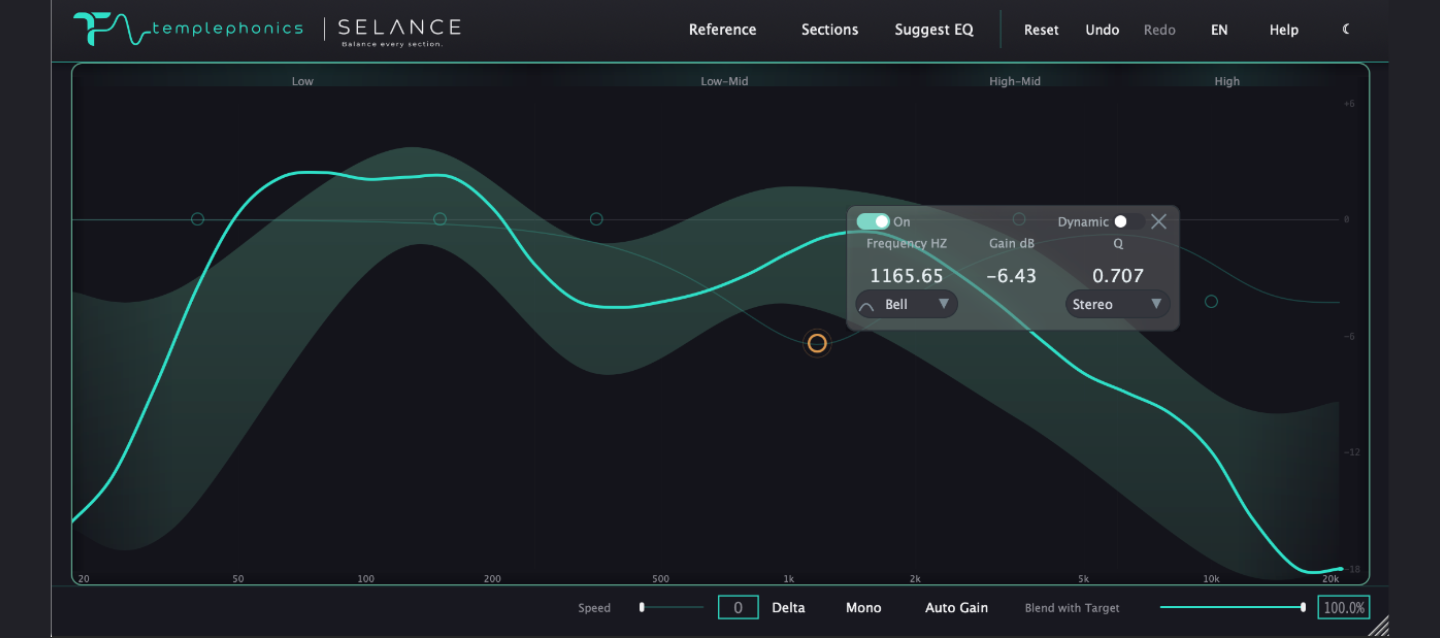
Your master's tonal balance measured against a genre target or your own reference library.
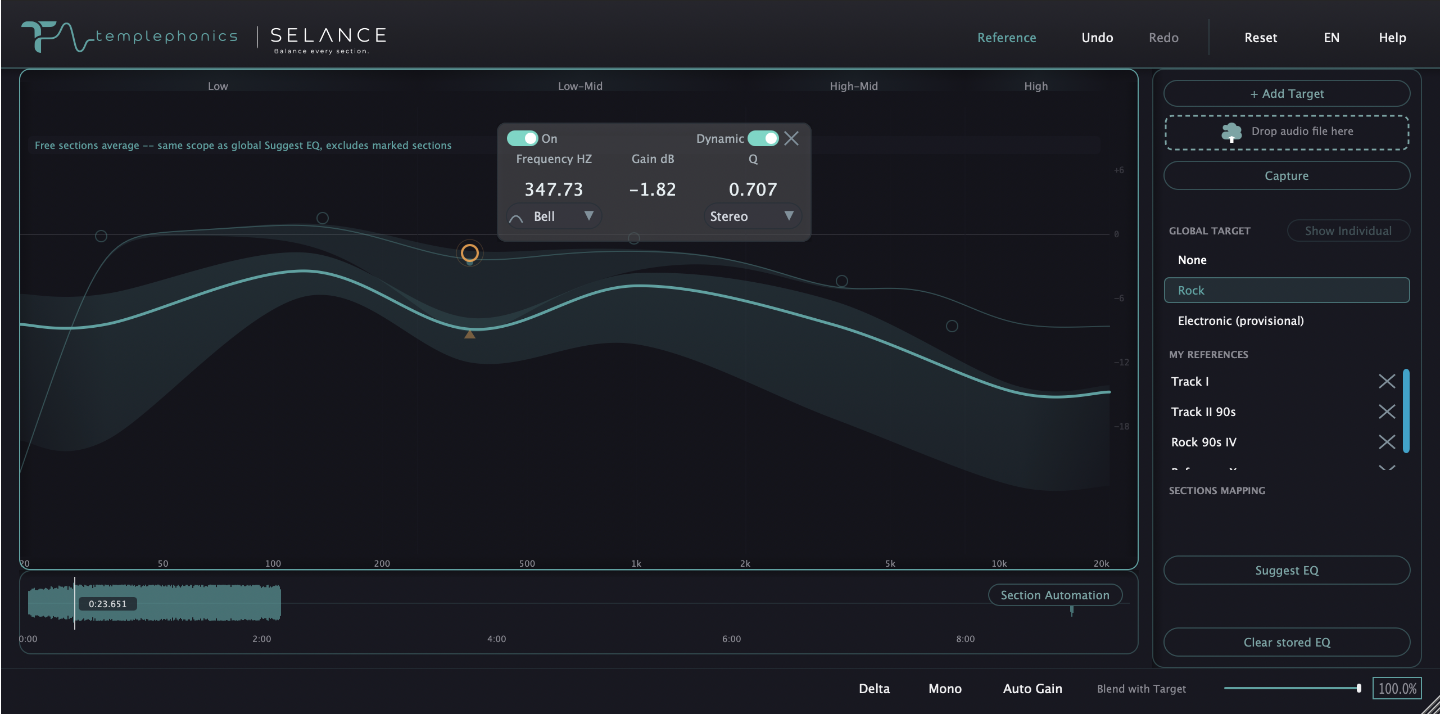
Bell, shelf, HP/LP and notch shapes with dynamic EQ and per-band Mid/Side on one graph.
A live timeline of your track, where each part gets its own analysis, reference and EQ state.
Why SELANCE
A master can be balanced overall while individual sections drift. SELANCE lets you see and correct those differences where they actually happen.
Work against genre targets or references from your own library — so your choices have something concrete behind them.
SELANCE can suggest EQ moves, but nothing is applied without you. You hear it, judge it and decide.
Relative analysis, transparent processing and monitoring tools designed for decisions you can trust.
See it in action
FAQ
SELANCE is a section-aware mastering plugin. It analyzes the tonal balance of each section of your track against a reference, then lets you shape each one — in a single window.
Runs as VST3, Audio Unit and AAX. The plugin applies EQ and balance processing in real time inside your DAW — bouncing happens from your DAW, so you keep full control of your delivery chain.
Not yet. SELANCE launches on macOS 11 and up — Windows support is coming soon.
Yes — macOS 11 and later, with full support for Apple Silicon and Intel, as a native Audio Unit, VST3 and AAX plugin.
Pricing is announced at launch. A fully functional trial will be available on day one, with no time-limited demos and no feature gating on evaluation.
One perpetual license per machine, covering both macOS and Windows — no subscription required. Every license includes free updates for the lifetime of the current version.